
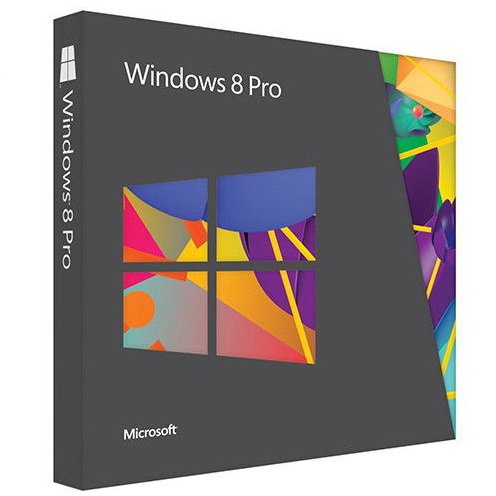









Microsoft Windows 8.1 Pro 2014 64 bit genuine

Microsoft Windows 8.1 Pro ISO Download – Overview
Windows 8.1 Update includes new features and functionality upgrades that should dramatically improve the overall user-experience on Microsoft OS. Windows 8.1 (as service pack) is part of Microsoft Windows 8’s support life-cycle and installing 8.1 update will be mandatory to maintain access to support and Windows updates. For more info, see What’s new in Windows 8.1 Pro ISO Download?
The Windows 8.1 upgrade is available as a free option from Windows Store to those currently running Windows 8 (retail copy). Head over to the official Microsoft link to download Windows 8.1 ISO to get started. More about Windows 8.1 at Wikipedia.
Download Windows 8.1 Pro Installation Key
As per Microsoft Technet and MSDN, you will be required the following installation key to install Windows 8.1 Professional. Note that this key is not for windows activation but only for installation which you’ll need to enter during installation process for both 32 Bit & 64 Bit.
XKY4K-2NRWR-8F6P2-448RF-CRYQH
How To Install Windows 8.1 ISO Using USB/DVD
After Windows 8.1 Pro ISO Download is successful. Save the iso file on your PC. Now you have to make a bootable Windows 8.1 USB/DVD media using this iso file. Follow this tutorial on How to install Windows 8.1 via USB Drive. The steps to install windows 8.1 are simple and easy. Comment here if you face any issues during windows 8.1 pro iso download or installation.




Reviews
There are no reviews yet.